Departure Board Screensaver
Windows Screensaver
Bring the clatter of a station departure board to your desk.
A split-flap departure board, in the style of the classic railway station and airport boards.
Free
Pro £7.99, one-off payment
Free to download, install and use, with no time limit. Pay once to remove the small watermark, or get Pro for arrivals boards, destinations anywhere in the world, your own messages and boards that take turns.
- Railway station or airport board
- A live timetable that runs on the real clock
- Delays, platform changes and cancellations
- Every character is a real, clattering flap
- Your own title, colours and font
For Windows 11 · departure-board-screensaver.zip · 13596 KB
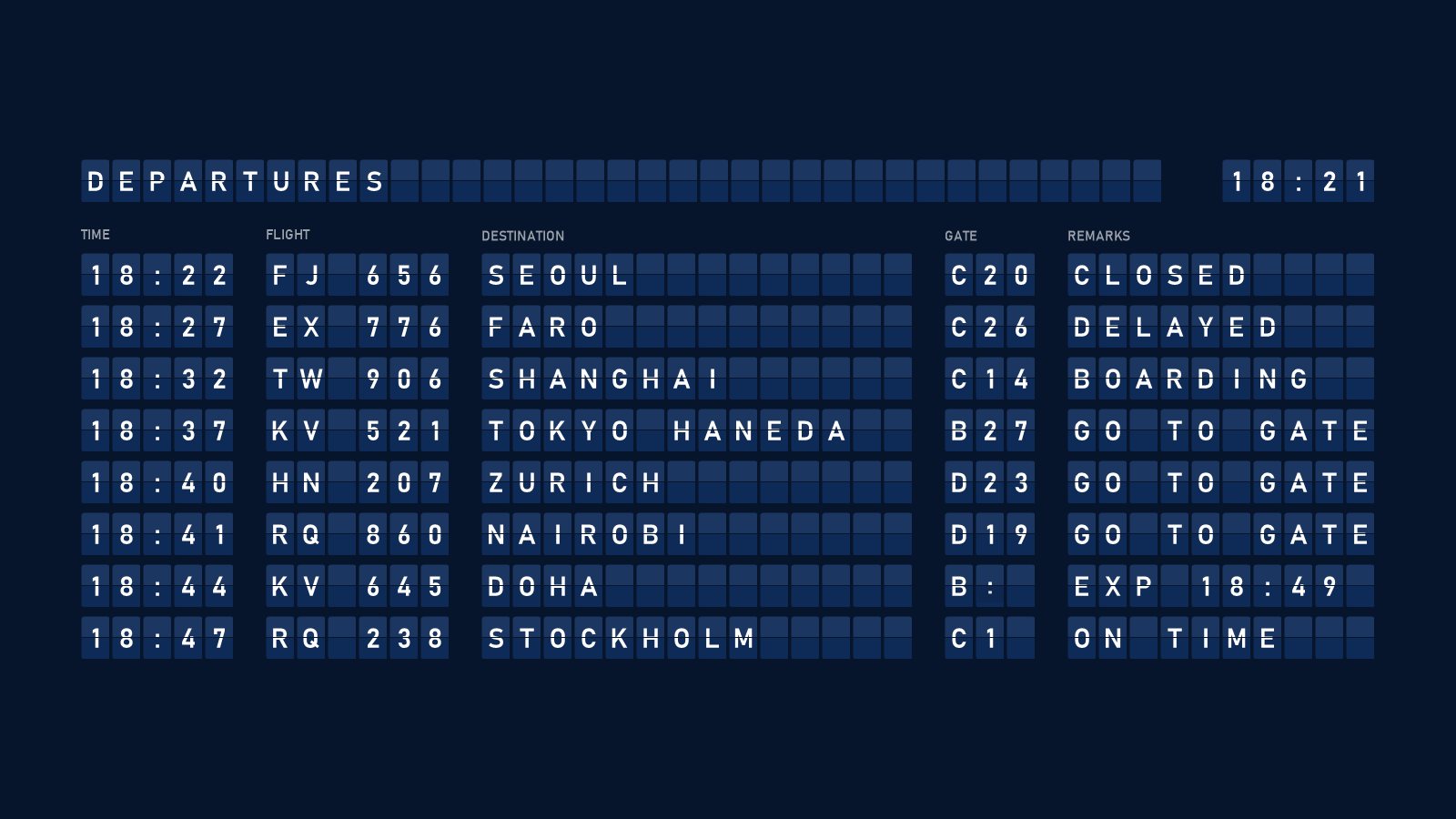
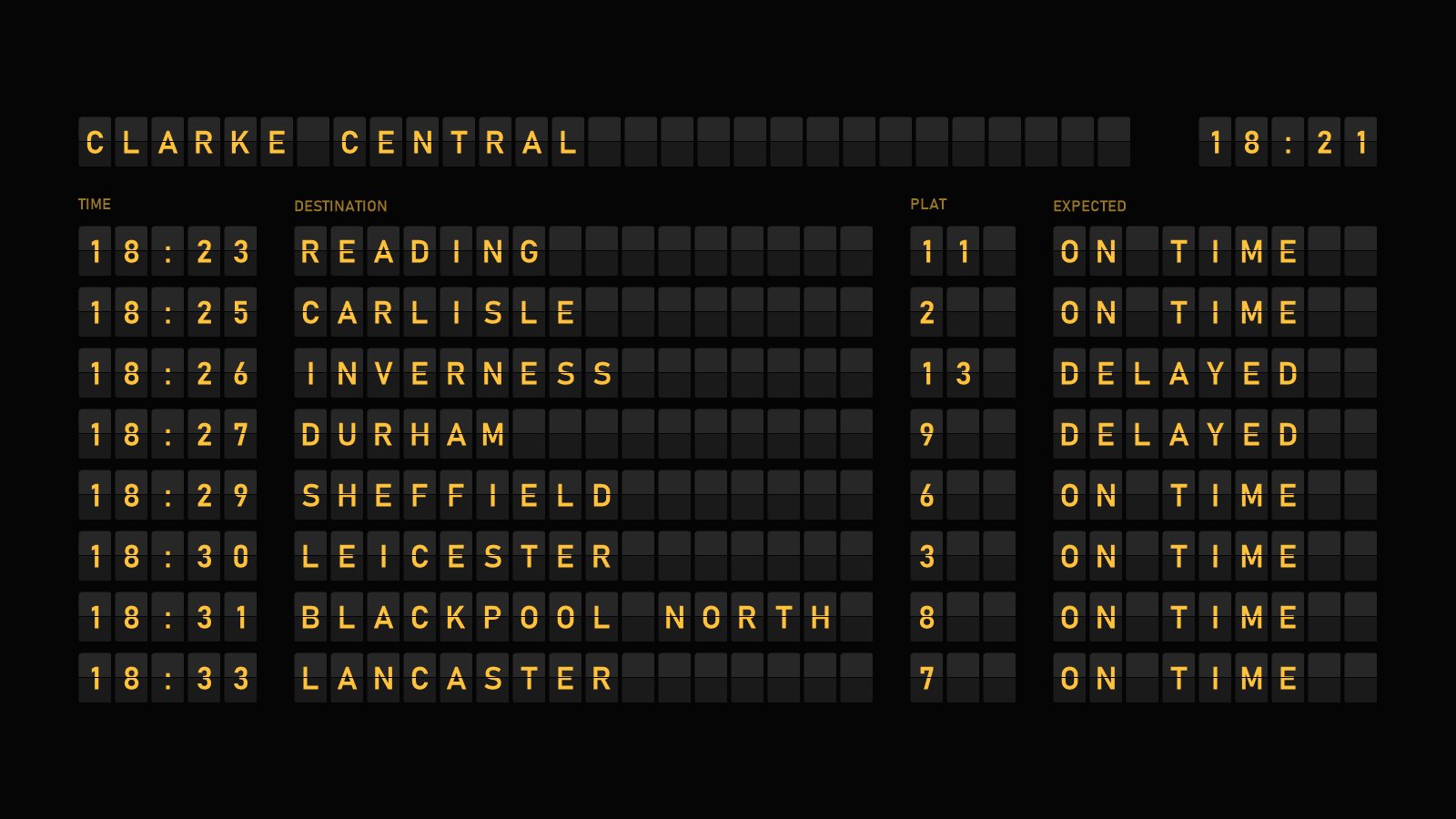
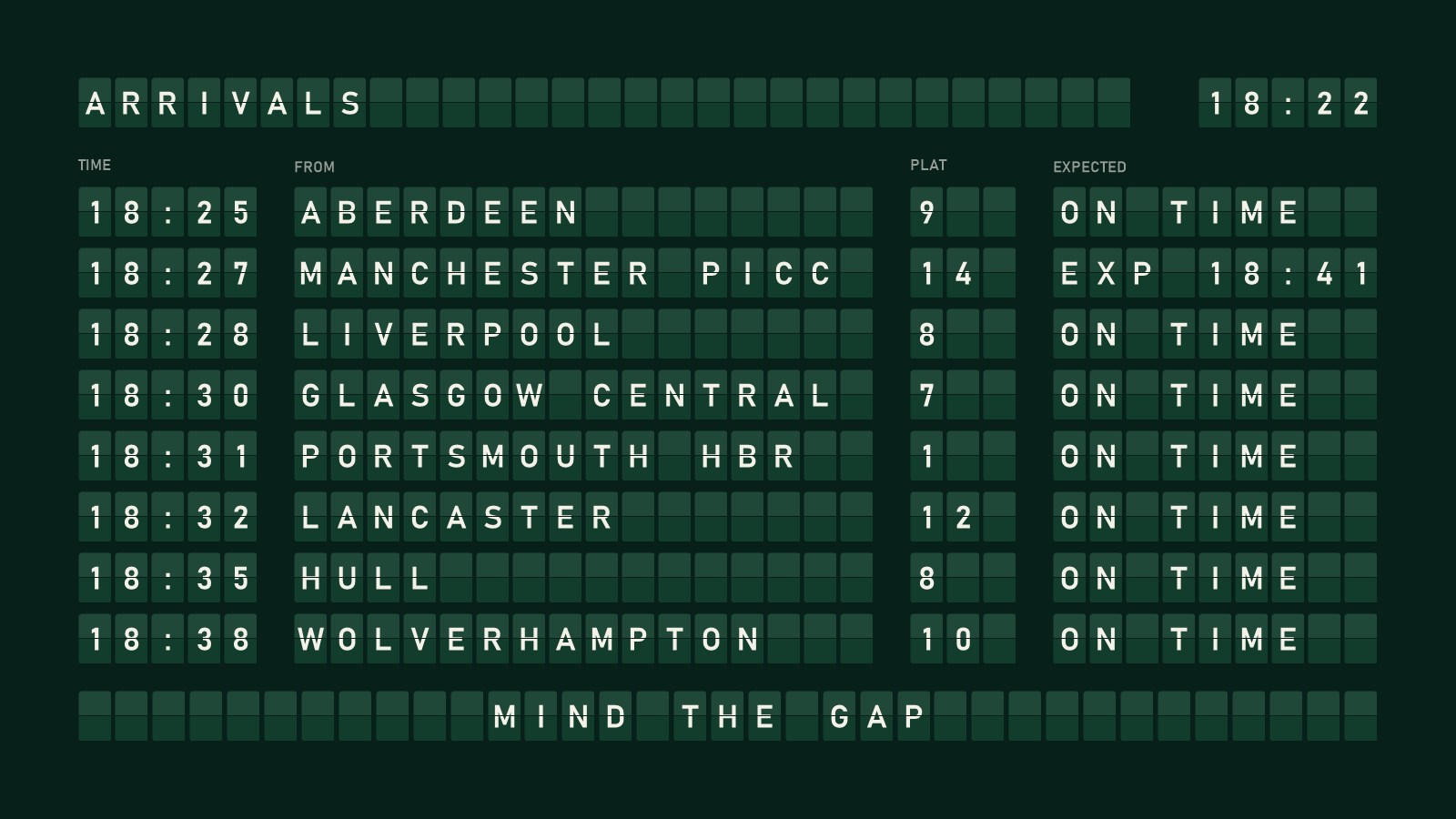
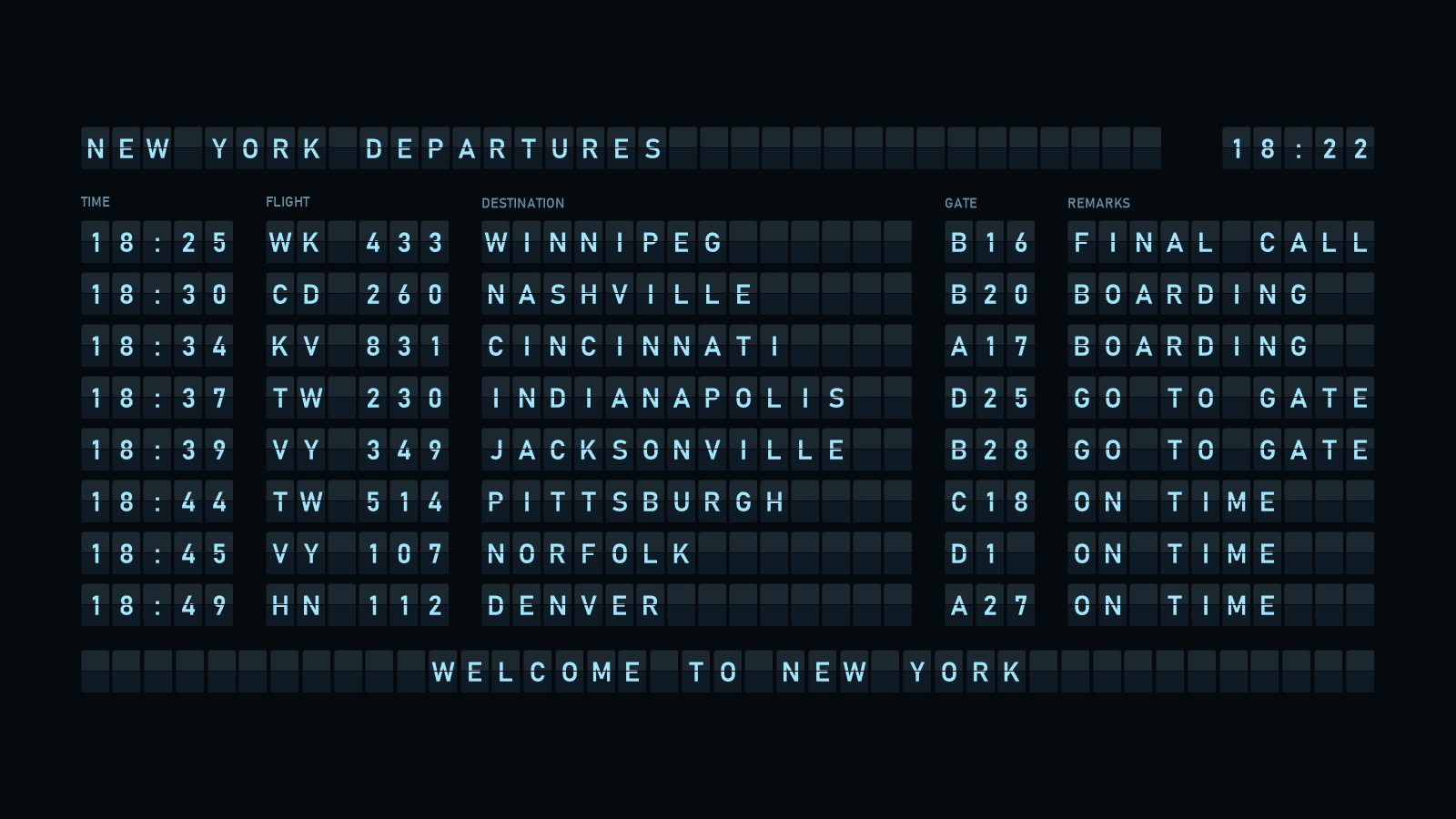
All the drama of the departures hall
Station or airport
Choose a railway board with times, destinations and platforms, or an airport board with flights, gates and remarks.
A timetable that runs
Departures leave at their expected time on the real clock, the rows move up, and a new one joins the bottom.
Just like the real thing
Every so often a train is delayed, changes platform, makes up time or is cancelled. Flights board, get a final call and close.
Real split flaps
Every character steps through the letters one flap at a time until it reaches the one it needs, with an optional clatter sound.
Your own title
Show DEPARTURES, your company name or anything else up to 24 characters, with a flip clock alongside.
Your colours
Pick the character, flap and background colours, or start from the Classic, Amber, Clarke, Blue board, Station green and Retro presets.
Free or Pro?
| Feature | Free | Pro |
|---|---|---|
| Railway station or airport departure board | Included | Included |
| A timetable that runs on the real clock, with delays and cancellations | Included | Included |
| Your own title, rows, colours and font | Included | Included |
| Nine destination packs, from UK railway to Japan's Shinkansen | Included | Included |
| Six colour presets | Included | Included |
| No watermark on screen | With a £3.99 licence | Included |
| Pro features | ||
| Pro Arrivals boards for stations and airports | Not included | Included |
| Pro Destinations suggested from your home town, anywhere in the world | Not included | Included |
| Pro Your own list of destinations, with import and export | Not included | Included |
| Pro Your own airline codes, flight numbers, platforms and gates | Not included | Included |
| Pro A message row for your own announcements | Not included | Included |
| Pro Up to six saved boards that take turns | Not included | Included |
| Pro Departures on one display, arrivals on another (up to four displays) | Not included | Included |
| Pro Three more presets: Red LED, Ice and Brass | Not included | Included |
| Price | Free | £7.99 once |
| Download | Get Pro | |
Settings
Click Settings… in Windows' Screen Saver Settings to make the Departure Board Screensaver your own. Your choices are saved for your Windows account.
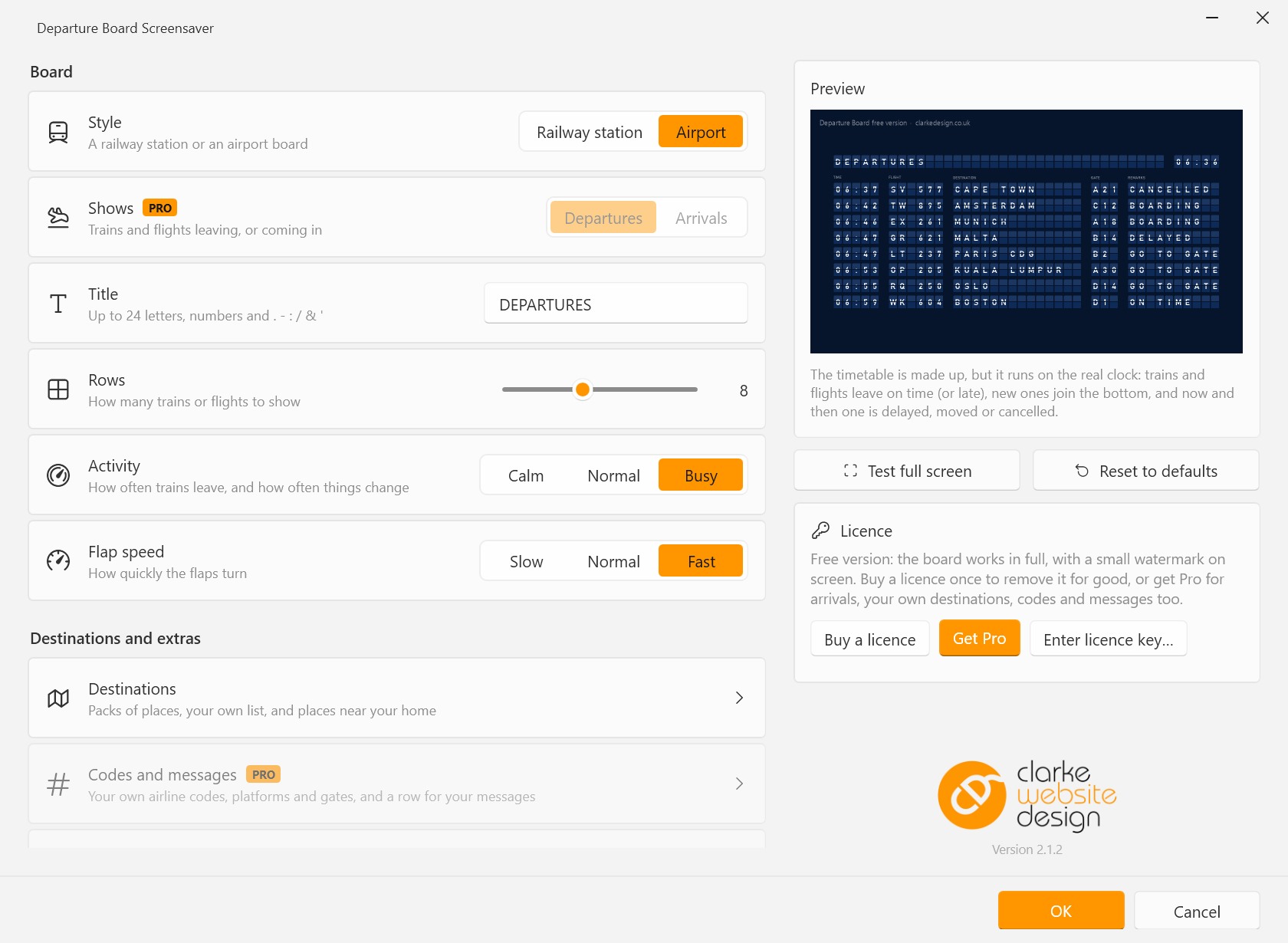
| Option | What it does |
|---|---|
| Style | Railway station or airport |
| Shows (Pro) | Departures or arrivals |
| Title | Up to 24 characters: letters, numbers and . - : / & ' |
| Rows | 4 to 14 departures |
| Activity | Calm, Normal or Busy: how often trains or flights leave, and how often things change |
| Flap speed | Slow, Normal or Fast |
| Destinations | Any of nine packs. With Pro, also your own list and places suggested from your home town |
| Codes and messages (Pro) | Your own airline codes, flight numbers, platforms and gates, and a message row under the departures |
| Saved boards (Pro) | Save up to six boards that take turns every 1 to 120 minutes |
| Clock | Show a clock in the title row, in 12 or 24-hour time |
| Flap sound | A clatter while the flaps are moving, on the primary display only. Off to begin with |
| Displays | Show on all displays, each with its own timetable, or on the main display only with the others black |
| Each display (Pro) | With two to four displays, choose Departures, Arrivals or Off for each one |
| Colours | Character, flap and background colours, plus Classic, Amber, Clarke, Blue board, Station green and Retro presets. Pro adds Red LED, Ice and Brass |
| Font | Any installed font. The default is Bahnschrift SemiBold |
| Board size | 40 to 100% of the screen |
| Brightness | 20 to 100% |
Perfect for
- Railway and aviation enthusiasts
- Travel agents and transport businesses
- Offices and reception areas with a screen on show
- Second monitors that are often left idle
- Anyone who loves the sound of a split-flap board
Install in three easy steps
- Download the zip, open it, and double-click DepartureBoard-Setup-2.2.0.exe.
- Click Yes when Windows asks for permission, then Next and Install.
- Leave Use Departure Board as my screensaver ticked and click Finish.
To change the colours and other settings later, open Departure Board Screensaver settings from the Start menu.
Frequently asked questions
Ready to try the Departure Board Screensaver?
It's free, it's small, and it takes a minute to install.
More screensavers: Flip Clock · Word Clock · Aurora · OLED Safe · Sky Tonight